

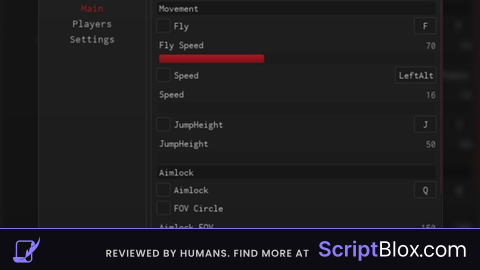
KeylessUniversal
--[[
	WARNING: Heads up! This script has not been verified by ScriptBlox. Use at your own risk!
]]
-- Create GUI
local ScreenGui = Instance.new("ScreenGui", game.CoreGui)
local Frame = Instance.new("Frame", ScreenGui)
local TextBox = Instance.new("TextBox", Frame)
local Button = Instance.new("TextButton", Frame)

-- GUI properties
ScreenGui.Name = "FPSCapGUI"
Frame.Size = UDim2.new(0, 200, 0, 100)
Frame.Position = UDim2.new(0.5, -100, 0.5, -50)
Frame.BackgroundColor3 = Color3.fromRGB(30, 30, 30)
Frame.BorderSizePixel = 0
Frame.Active = true
Frame.Draggable = true  -- Makes the frame movable

TextBox.Size = UDim2.new(1, -20, 0, 30)
TextBox.Position = UDim2.new(0, 10, 0, 10)
TextBox.PlaceholderText = "Enter FPS cap..."
TextBox.BackgroundColor3 = Color3.fromRGB(50, 50, 50)
TextBox.TextColor3 = Color3.new(1, 1, 1)

Button.Size = UDim2.new(1, -20, 0, 30)
Button.Position = UDim2.new(0, 10, 0, 50)
Button.Text = "Set FPS Cap"
Button.BackgroundColor3 = Color3.fromRGB(0, 170, 255)
Button.TextColor3 = Color3.new(1, 1, 1)

-- Set FPS when button is clicked
Button.MouseButton1Click:Connect(function()
    local num = tonumber(TextBox.Text)
    if num and num > 0 then
        setfpscap(num)
        Button.Text = "FPS set to " .. num
    else
        Button.Text = "Invalid number"
    end
end)
Tung tung tung tung sahur
tung tung sahur, almost .gif💯