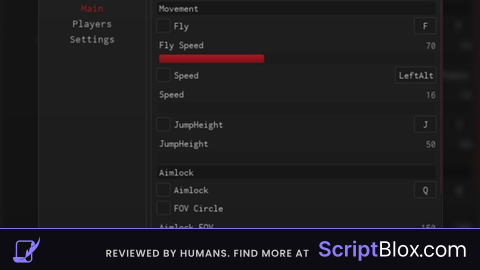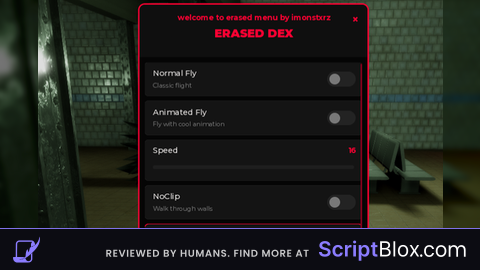

Key RequiredUniversal
-- LocalScript to create a button and freeze player movement

local player = game.Players.LocalPlayer
local PlayerGui = player:WaitForChild("PlayerGui")

-- Create the button UI
local ScreenGui = Instance.new("ScreenGui")
ScreenGui.Parent = PlayerGui

local freezeButton = Instance.new("TextButton")
freezeButton.Size = UDim2.new(0.2, 0, 0.1, 0)
freezeButton.Position = UDim2.new(0.4, 0, 0.8, 0)
freezeButton.Font = Enum.Font.SourceSansBold
freezeButton.TextColor3 = Color3.new(1, 1, 1) -- White
freezeButton.BackgroundColor3 = Color3.new(0, 0.5, 1) -- Blue
freezeButton.Text = "Freeze My Movement"
freezeButton.Parent = ScreenGui

-- A simple toggle variable
local isFrozen = false

-- Function to handle the button click
local function onButtonClicked()
	local character = player.Character or player.CharacterAdded:Wait()
	local humanoid = character:FindFirstChildOfClass("Humanoid")

	if humanoid then
		isFrozen = not isFrozen -- This flips 'true' to 'false' and 'false' to 'true'

		-- Use 'PlatformStand' to completely disable all movement
		humanoid.PlatformStand = isFrozen

		-- Update the button's text to show the current state
		if isFrozen then
			freezeButton.Text = "Unfreeze My Movement"
		else
			freezeButton.Text = "Freeze My Movement"
		end
	end
end

-- Connect the button to the function
freezeButton.MouseButton1Click:Connect(onButtonClicked)

-- Make sure the freeze reapplies if the player's character resets
player.CharacterAdded:Connect(function(newCharacter)
	if isFrozen then
		newCharacter:WaitForChild("Humanoid").PlatformStand = true
	end
end)No comments yet for this script.