

KeylessUniversal
local button = script.Parent

button.MouseButton1Click:Connect(function()


	local oldSky = game.Lighting:FindFirstChildOfClass("Sky")
	if oldSky then
		oldSky:Destroy()
	end


	local sky = Instance.new("Sky")
	sky.Name = "CustomSky"

	-- change these IDs to whatever sky you want
	sky.SkyboxBk = "rbxassetid://93032034346" --change to your sky id
	sky.SkyboxDn = "rbxassetid://93032034346" --change to your sky id
	sky.SkyboxFt = "rbxassetid://93032034346" --change to your sky id
	sky.SkyboxLf = "rbxassetid://93032034346" --change to your sky id
	sky.SkyboxRt = "rbxassetid://93032034346" --change to your sky id
	sky.SkyboxUp = "rbxassetid://93032034346" --change to your sky id

	sky.Parent = game.Lighting

end)
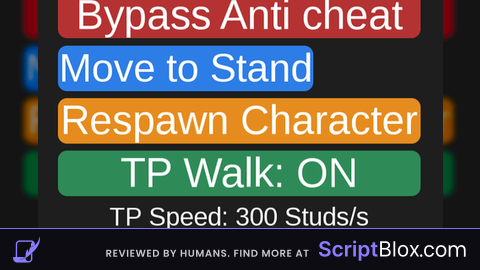
Tell me if it doesn't work ill just make a new one
This goes in a script or local script in a button on a gui/ui
Cool, the sad part is that its clientside 🥲
@Guest_7293 its cilentside when you do localscript
@Gues666 lol
is easy to make an f3x skybox