


KeylessUniversal
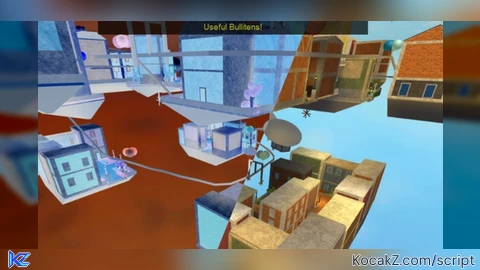
local Lighting = game:GetService("Lighting")

-- Crear los 2 efectos de ColorCorrection
local invert1 = Instance.new("ColorCorrectionEffect")
invert1.Name = "Invert1"
invert1.Parent = Lighting
invert1.Contrast = -1
invert1.Saturation = 0
invert1.Brightness = 0

local invert2 = Instance.new("ColorCorrectionEffect")
invert2.Name = "Invert2"
invert2.Parent = Lighting
invert2.Contrast = -1
invert2.Saturation = 0
invert2.Brightness = 0

-- Toggle GUI
local Players = game:GetService("Players")
local LocalPlayer = Players.LocalPlayer

local screenGui = Instance.new("ScreenGui")
screenGui.ResetOnSpawn = false   -- <<--- lo que pediste
screenGui.Name = "InvertToggleGUI"
screenGui.Parent = LocalPlayer:WaitForChild("PlayerGui")

local toggleBtn = Instance.new("TextButton")
toggleBtn.Size = UDim2.new(0,50,0,50)
toggleBtn.Position = UDim2.new(0,20,0,20)
toggleBtn.Text = "Toggle Invert"
toggleBtn.Parent = screenGui
toggleBtn.Draggable = true

local enabled = true

toggleBtn.MouseButton1Click:Connect(function()

	-- multiplicar por -1 elimina bugs visuales
	invert1.Contrast = invert1.Contrast * -1
	invert2.Contrast = invert2.Contrast * -1

	enabled = not enabled
	invert1.Enabled = enabled
	invert2.Enabled = enabled
end)


ai
@Untr yes but it works
@Randomguy1997 ai
fixed bugs