


KeylessUniversal
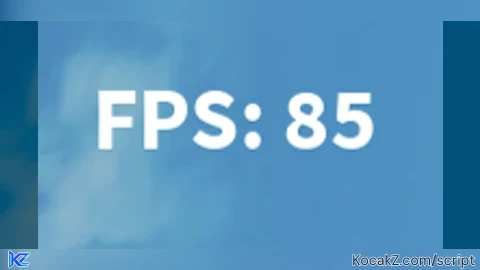
local screenGui = Instance.new("ScreenGui")
screenGui.Parent = game.CoreGui

local fpsLabel = Instance.new("TextLabel")
fpsLabel.Size = UDim2.new(0, 200, 0, 50)
fpsLabel.Position = UDim2.new(1, -200, 0, 0) -- Upper right corner
fpsLabel.BackgroundTransparency = 1
fpsLabel.TextColor3 = Color3.new(1, 1, 1)
fpsLabel.Font = Enum.Font.SourceSansBold
fpsLabel.TextScaled = true
fpsLabel.Parent = screenGui

local lastTime = tick()
local frames = 0

game:GetService("RunService").RenderStepped:Connect(function()
    frames = frames + 1
    local currentTime = tick()
    if currentTime - lastTime >= 1 then
        fpsLabel.Text = "FPS: " .. tostring(frames)
        frames = 0
        lastTime = currentTime
    end
end)


add ping
mines better lowkey (it has ping): https://scriptblox.com/script/Universal-Script-Simple-FPS-Viewer-15556