


KeylessUniversal
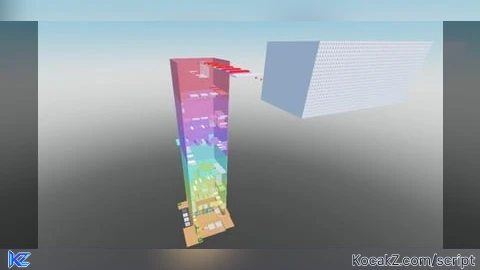
-- CONFIG
local TELEPORT_POSITION = Vector3.new(200, 600, 0)  --  Schimbă aceste coordonate cu cele de la finalul tower-ului
local TELEPORT_INTERVAL = 5                      -- secunde între teleporturi

-- GUI SETUP
local player = game.Players.LocalPlayer
local gui = Instance.new("ScreenGui")
gui.Name = "TeleportLoopGUI"
gui.ResetOnSpawn = false
gui.Parent = player:WaitForChild("PlayerGui")

local button = Instance.new("TextButton")
button.Size = UDim2.new(0, 150, 0, 40)
button.Position = UDim2.new(0, 20, 0, 100)
button.BackgroundColor3 = Color3.fromRGB(50, 50, 50)
button.TextColor3 = Color3.new(1, 1, 1)
button.Text = "Teleport: OFF"
button.Parent = gui

local corner = Instance.new("UICorner")
corner.CornerRadius = UDim.new(0, 8)
corner.Parent = button

-- TELEPORT LOOP
local active = false

local function teleportOnce()
    local char = player.Character or player.CharacterAdded:Wait()
    local hrp = char:FindFirstChild("HumanoidRootPart")
    if hrp then
        hrp.CFrame = CFrame.new(TELEPORT_POSITION + Vector3.new(0, 5, 0))
    end
end

task.spawn(function()
    while true do
        if active then
            teleportOnce()
        end
        task.wait(TELEPORT_INTERVAL)
    end
end)

button.MouseButton1Click:Connect(function()
    active = not active
    if active then
        button.Text = "Teleport: ON"
        button.BackgroundColor3 = Color3.fromRGB(0, 170, 0)
    else
        button.Text = "Teleport: OFF"
        button.BackgroundColor3 = Color3.fromRGB(50, 50, 50)
    end
end)No comments yet for this script.


