loadstring(game:HttpGet("https://raw.githubusercontent.com/ZentosDevOFF/SynSaveInstance-/main/ssi%2B%2B.lua"))()
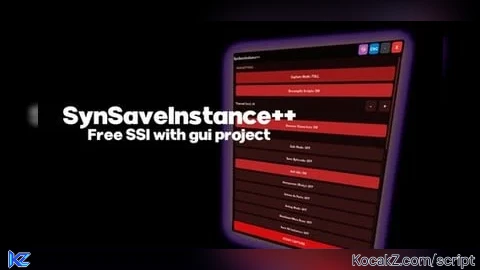
Features & Information
Official Github link: https://zentosdevoff.github.io/SynSaveInstancePlus/
Full SSI Core Support: Includes Terrain data and Raw properties capture.
Advanced Decompiler Control: Adjustable timeouts up to 300 seconds for complex environments.
Optimized for Large Maps: Built-in settings to handle massive places.
Bilingual Interface: Toggle between English and Russian languages instantly.
Modular Architecture: Separate GUI and Core logic for maximum stability and speed.
Pure Roblox API: Works directly through the official Roblox API — no third-party libraries (such as Rayfield).
Maybe will be updated
#SynSaveInstance#Copy#SaveInstance#Clone#GUI



![[KEYLESS] Moondiety Script | 17+ supported Games](https://scriptblox.com/images/sb/0-1753093706828.png)


where does it save too? how do you download what it downloaded?
@g59wally In your executorfolder/workspace/placecopy.rbxmx
@ZentosDev sweet, now does it go in roblox studio. what can you do with it?
@g59wally It depends on your goals. You can get models, or some local or module scripts, but there's a 99% chance the game won't work, since most of the logic is usually in server scripts that are impossible to get.
@ZentosDev thats awesome, so kind of like an explorer dex? is it more bruteforce, or just the same?
@g59wally It uses the original SSI library; I just built the GUI and added some custom settings for the functions.
@ZentosDev okay i see, still goated tho
@ZentosDev how do i use this
@ZentosDev Do you know why it isnt showing up in my workspace folder?
how do i use this
nvm
@Mehh just inject, setup and use
wheres the terrain support i dont see it
where does it go in my files i dont see it anywhere where do i go once its done
im use all day
freezes at 1mb on xeno
or at random times it does