


KeylessUniversal
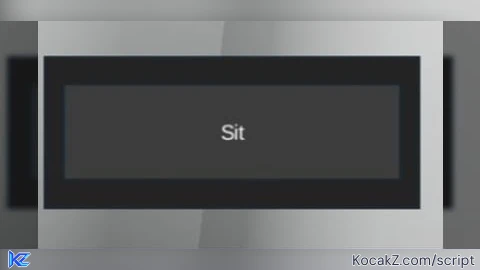
-- Sit GUI Script (LocalScript in StarterGui)

-- Create ScreenGui
local screenGui = Instance.new("ScreenGui")
screenGui.Parent = game.Players.LocalPlayer:WaitForChild("PlayerGui")

-- Create Frame (movable part)
local frame = Instance.new("Frame")
frame.Size = UDim2.new(0, 200, 0, 80)
frame.Position = UDim2.new(0.3, 0, 0.3, 0)
frame.BackgroundColor3 = Color3.fromRGB(35, 35, 35)
frame.Active = true
frame.Draggable = true -- makes it moveable
frame.Parent = screenGui

-- Create Button
local button = Instance.new("TextButton")
button.Size = UDim2.new(0, 180, 0, 50)
button.Position = UDim2.new(0, 10, 0, 15)
button.Text = "Sit"
button.TextColor3 = Color3.fromRGB(255, 255, 255)
button.BackgroundColor3 = Color3.fromRGB(60, 60, 60)
button.Parent = frame

-- Button click function
button.MouseButton1Click:Connect(function()
    local player = game.Players.LocalPlayer
    local character = player.Character or player.CharacterAdded:Wait()
    local humanoid = character:FindFirstChildWhichIsA("Humanoid")
    if humanoid then
        humanoid.Sit = true
    end
end)


very usefull script love it
* is 😂👏
scriptblox i didnt swear :((