


KeylessUniversal
-- Load Orion Library
local OrionLib = loadstring(game:HttpGet(('https://raw.githubusercontent.com/shlexware/Orion/main/source')))()

-- Create Window
local Window = OrionLib:MakeWindow({Name = "Game Time Display", HidePremium = false, SaveConfig = true, ConfigFolder = "OrionConfig"})

-- Create Tab
local Tab = Window:MakeTab({
    Name = "Main",
    Icon = "rbxassetid://4483345998",
    PremiumOnly = false
})

-- Label to show time
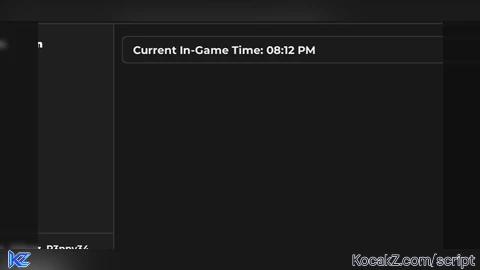
local TimeLabel = Tab:AddLabel("Current In-Game Time: ")

-- Function to convert 24-hour time to 12-hour time
local function to12HourFormat(hour)
    local suffix = "AM"
    if hour >= 12 then
        suffix = "PM"
        if hour > 12 then
            hour = hour - 12
        end
    elseif hour == 0 then
        hour = 12
    end
    return hour, suffix
end

-- Function to update time
local function updateTime()
    while true do
        local time = game:GetService("Lighting").ClockTime
        local hour = math.floor(time)
        local minute = math.floor((time - hour) * 60)
        local hour12, suffix = to12HourFormat(hour)
        TimeLabel:Set(string.format("Current In-Game Time: %02d:%02d %s", hour12, minute, suffix))
        wait(1)
    end
end

-- Start updating time
coroutine.wrap(updateTime)()

-- Initialize Orion
OrionLib:Init()No comments yet for this script.
![[KEYLESS] Moondiety Script | 17+ supported Games](https://scriptblox.com/images/sb/0-1753093706828.png)

