

KeylessUniversal
-- Make sure you have a ScreenGui in PlayerGui
local player = game.Players.LocalPlayer
local screenGui = player:WaitForChild("PlayerGui"):FindFirstChild("ScreenGui")
if not screenGui then
    screenGui = Instance.new("ScreenGui")
    screenGui.Name = "ScreenGui"
    screenGui.Parent = player.PlayerGui
end

-- Create the durian button
local durianButton = Instance.new("ImageButton")
durianButton.Name = "DurianJumpButton"
durianButton.Size = UDim2.new(0, 100, 0, 100)  -- size of button
durianButton.Position = UDim2.new(0.5, -50, 0.8, 0)  -- bottom center of screen
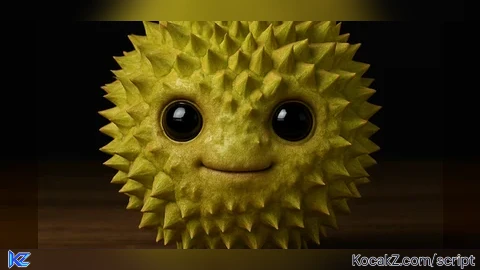
durianButton.Image = "rbxassetid://123173303668481"  -- durian texture
durianButton.BackgroundTransparency = 1  -- remove background
durianButton.Parent = screenGui

-- Make it act like a jump button
durianButton.MouseButton1Click:Connect(function()
    local character = player.Character
    if character and character:FindFirstChild("Humanoid") then
        character.Humanoid.Jump = true
    end
end)


Lets try to make this a famous script
Have a screengui for it to work