


Key RequiredUniversal
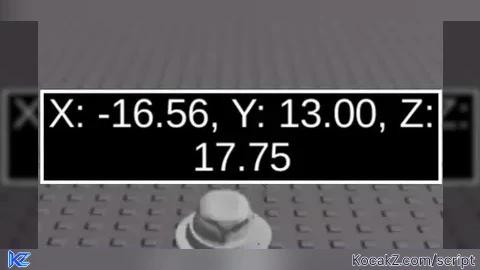
local screenGui = Instance.new("ScreenGui")
screenGui.Name = "CoordinatesGui"
screenGui.Parent = game.Players.LocalPlayer:WaitForChild("PlayerGui")

local frame = Instance.new("Frame")
frame.Size = UDim2.new(0.2, 0, 0.1, 0)
frame.Position = UDim2.new(0.4, 0, 0.9, 0)
frame.BackgroundColor3 = Color3.fromRGB(0, 0, 0)
frame.BorderColor3 = Color3.fromRGB(255, 255, 255)
frame.BorderSizePixel = 2
frame.Active = true
frame.Draggable = true
frame.Parent = screenGui

local label = Instance.new("TextLabel")
label.Size = UDim2.new(1, 0, 1, 0)
label.Position = UDim2.new(0, 0, 0, 0)
label.BackgroundTransparency = 1
label.TextColor3 = Color3.fromRGB(255, 255, 255)
label.TextScaled = true
label.Parent = frame
    local function updateCoordinates()
    local player = game.Players.LocalPlayer
    local character = player.Character or player.CharacterAdded:Wait()
    local humanoidRootPart = character:WaitForChild("HumanoidRootPart")

    while true do
        local position = humanoidRootPart.Position
        label.Text = string.format("X: %.2f, Y: %.2f, Z: %.2f", position.X, position.Y, position.Z)
        wait(0.000000000001) -- Memperbarui setiap 0.1 detik
    end
end

spawn(updateCoordinates)


works thx but when i die it closes ill fix it