
KeylessUniversal
local player = game:GetService("Players").LocalPlayer
local character = player.Character or player.CharacterAdded:Wait()
local head = character:FindFirstChild("Head")  -- Attach to the head

if not head then return end  -- Make sure the player has a head

-- Create BillboardGui
local billboard = Instance.new("BillboardGui")
billboard.Size = UDim2.new(4, 0, 1, 0) -- Adjust size
billboard.StudsOffset = Vector3.new(0, 2, 0) -- Position above head
billboard.Adornee = head
billboard.Parent = head
billboard.AlwaysOnTop = true

-- Function to create an outlined text label
local function createTextLabel(parent, offset, color)
    local textLabel = Instance.new("TextLabel")
    textLabel.Size = UDim2.new(1, 0, 1, 0)
    textLabel.Position = UDim2.new(0, offset.X, 0, offset.Y)
    textLabel.BackgroundTransparency = 1
    textLabel.TextScaled = true
    textLabel.Text = "The Sigma Rizzler" -- Your displayed text
    textLabel.TextColor3 = color
    textLabel.Font = Enum.Font.SourceSansBold
    textLabel.Parent = parent
    return textLabel
end

-- Create outline (4 labels around the main text)
local offsets = {
    Vector2.new(-1, 0), Vector2.new(1, 0), -- Left, Right
    Vector2.new(0, -1), Vector2.new(0, 1)  -- Top, Bottom
}
for _, offset in pairs(offsets) do
    createTextLabel(billboard, offset, Color3.new(0, 0, 0)) -- Black outline
end

-- Main white text
local mainText = createTextLabel(billboard, Vector2.new(0, 0), Color3.new(1, 1, 1)) -- White text

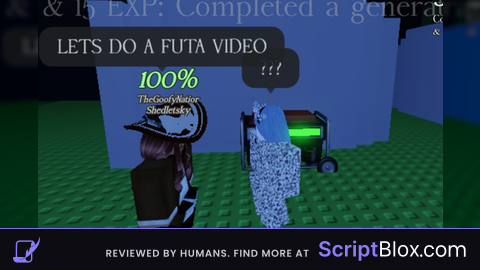
print("Client-sided BillboardGui created successfully!")No comments yet for this script.