


KeylessUniversal
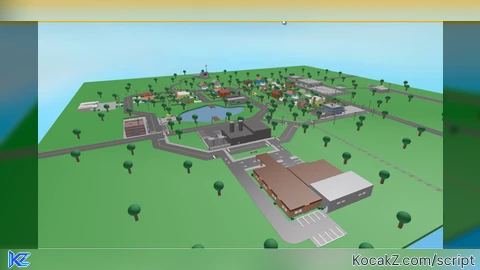
-- made with gpt
local function replaceSkybox()
    -- Create a new Sky object
    local sky = Instance.new("Sky")

    -- Set the skybox textures (Replace these IDs with your custom ones)
    sky.SkyboxBk = "rbxassetid://77384233173949"
    sky.SkyboxDn = "rbxassetid://77384233173949"
    sky.SkyboxFt = "rbxassetid://77384233173949"
    sky.SkyboxLf = "rbxassetid://77384233173949"
    sky.SkyboxRt = "rbxassetid://77384233173949"
    sky.SkyboxUp = "rbxassetid://77384233173949"

    -- Parent the sky to Lighting
    sky.Parent = game.Lighting

    -- Send a notification to the player
    local StarterGui = game:GetService("StarterGui")
    StarterGui:SetCore("SendNotification", {
        Title = "Skybox Applied";
        Text = "ClientSided Skybox executed!";
        Duration = 5; -- Notification duration in seconds
    })

    print("Client-sided skybox applied!")
end

-- Run the function
replaceSkybox()


cool