

KeylessUniversal
local UserInputService = game:GetService("UserInputService")
local Players = game:GetService("Players")
local StarterGui = game:GetService("StarterGui")

local player = Players.LocalPlayer
local checkKey = Enum.KeyCode.P

-- Function to send a notification to the bottom right of the Roblox screen
local function sendNotification(title, text)
    pcall(function()
        StarterGui:SetCore("SendNotification", {
            Title = title,
            Text = text,
            Duration = 3 -- Displays for 3 seconds
        })
    end)
end

UserInputService.InputBegan:Connect(function(input, gameProcessedEvent)
    -- Ignore if the player is typing in chat or interacting with UI
    if gameProcessedEvent then return end

    if input.KeyCode == checkKey then
        local character = player.Character
        local rootPart = character and character:FindFirstChild("HumanoidRootPart")

        if rootPart then
            local currentCFrame = rootPart.CFrame

            -- Format to 3 decimal places for accuracy and readability
            local codeFormat = string.format("CFrame.new(%.3f, %.3f, %.3f)", currentCFrame.X, currentCFrame.Y, currentCFrame.Z)

            -- Print to Console (useful for checking history)
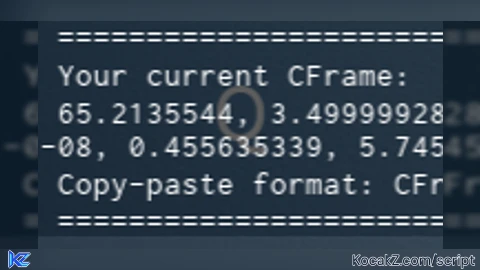
            print("=============================")
            print("📍 Current Position: ", currentCFrame)
            print("📋 Ready-to-use Code: " .. codeFormat)
            print("=============================")

            -- Highlight: Auto-copy to Clipboard!
            if setclipboard then
                setclipboard(codeFormat)
                sendNotification("✅ Copied!", "CFrame has been copied to your clipboard.")
            else
                -- Fallback for Studio or unsupported executors
                sendNotification("ℹ️ CFrame Printed", "Press F9 to view the value in the Developer Console.")
            end
        end
    end
end)


this is useless. at least use setclipboard instead of print