

Key RequiredUniversal
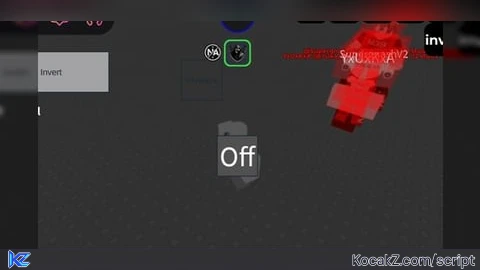
local Players = game:GetService("Players")
local Lighting = game:GetService("Lighting")
local player = Players.LocalPlayer

-- Crear GUI toggle
local screenGui = Instance.new("ScreenGui")
screenGui.Name = "InvertToggleGUI"
screenGui.Parent = player:WaitForChild("PlayerGui")

local toggleBtn = Instance.new("TextButton")
toggleBtn.Size = UDim2.new(0, 40, 0, 40)
toggleBtn.Position = UDim2.new(0, 20, 0, 50)
toggleBtn.BackgroundColor3 = Color3.fromRGB(50,50,50)
toggleBtn.TextColor3 = Color3.fromRGB(255,255,255)
toggleBtn.Font = Enum.Font.SourceSansBold
toggleBtn.TextSize = 18
toggleBtn.Text = "Grayscale"
toggleBtn.Active = true
toggleBtn.Draggable = true
toggleBtn.Parent = screenGui

-- Crear el ColorCorrectionEffect
local colorInvert = Instance.new("ColorCorrectionEffect")
colorInvert.Name = "ColorInvert"
colorInvert.Saturation = -1 -- Esto invierte los colores
colorInvert.TintColor = Color3.fromRGB(255,255,255) -- opcional
colorInvert.Enabled = false
colorInvert.Parent = Lighting

-- Toggle function
local inverted = false
toggleBtn.MouseButton1Click:Connect(function()
    inverted = not inverted
    colorInvert.Enabled = inverted
    toggleBtn.Text = inverted and "Normal" or "Grayscale"
end)No comments yet for this script.


