

KeylessUniversal
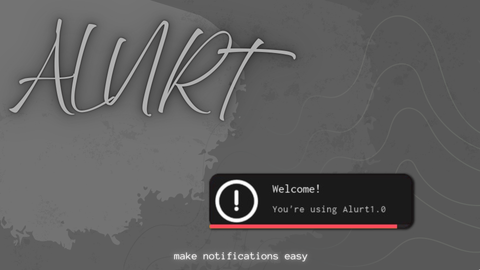
local Alurt = loadstring(game:HttpGet("https://raw.githubusercontent.com/azir-py/project/refs/heads/main/Zwolf/AlurtUI.lua"))()
--[[
   if length is 0 it will stay until its closed by you
   to close manually from the script use > notif1:Close() <
   note: use textureid for the image not assetid
]]
local notif1 = Alurt.CreateNode({
    Title = "Welcome!",
    Content = "You're using Alurt1.1",
    Audio = "rbxassetid://17525305988",
    Length = 8,
    Image = "rbxassetid://17616650704",
    BarColor = Color3.fromRGB(255, 75, 75)
})

wait(2)
local notif2 = Alurt.CreateNode({
    Title = "Test",
    Content = "This is a notification",
    Audio = "rbxassetid://17208361335",
    Length = 4,
    Image = "rbxassetid://6031068421",
    BarColor = Color3.fromRGB(75, 75, 255)
})
![Sir Meme Hub | [16 GAMES] [$14.99 LIFETIME] | FARM/AIM/ESP](https://scriptblox.com/images/script/-1-1791044877945.webp)
add glow
sigma