

Keyless
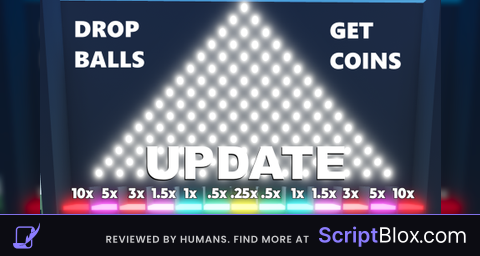
local pegFolder = game:GetService("Workspace").BrainrotPlinkoBoard
local pF = pegFolder:GetChildren()
for i, child in pF do
	if child.Name == "Peg" then
		child:Destroy()
	end
end

workspace.BrainrotPlinkoBoard.BinPad1.CFrame = CFrame.new(workspace.BrainrotPlinkoBoard.DropOrigin.CFrame.Position) * CFrame.new(0, -17, 0)
workspace.BrainrotPlinkoBoard.BinPad1.Size = Vector3.new(30, 9, 9.479999542236328)

local workspace = game:GetService("Workspace")
local partname = "Auto"
local existingPart = workspace:FindFirstChild(partname)

if not existingPart then
	local part = Instance.new("BoolValue")
	part.Parent = workspace
	part.Value = false
	part.Name = "Auto"
end

local tD = 0.75 --testDelay
local tR = 8 -- Test Reps (how many doublings before rebirth)

local function rebirth10k(reps)
	if workspace.Auto.Value then
		for i = 1, reps do
		local Event = game:GetService("ReplicatedStorage").BrainrotPlinkoDrop
		Event:FireServer(100)
		task.wait(tD)

		for i = 1, tR do
			local coins = game:GetService("Players").LocalPlayer.CoinsAmount.Value
			if workspace.Auto.Value then
				Event:FireServer(coins)
			end
			task.wait(tD)
		end

		task.wait(0.25)

		local Event1 = game:GetService("ReplicatedStorage").BrainrotPlinkoRebirth
		Event1:FireServer()
		end
	end
end

while true do
	if workspace.Auto.Value then
		rebirth10k(1)
	end
	task.wait(0.01)
endNo comments yet for this script.