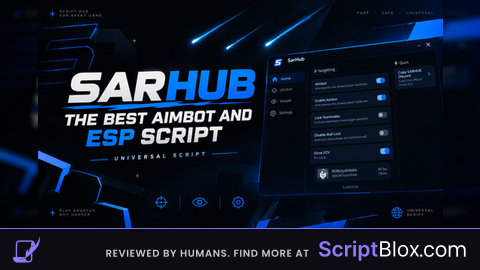
Aimbot – Activate the automatic targeting system on the nearest target inside the FOV.
Aim Part – It allows you to select the body part that will be prioritized (Head or Torso).
Aim Key – Set the keybind used to activate the aimbot.
Smoothness – Adjusts the smoothing of the sight movement (the bigger, more natural and less abrupt).
Trigger Bot – Fire automatically when the target is in sight.
Wall Check – It prevents the imbot/trigger from working when the enemy is behind walls or obstacles.
Circle FOV – Displays a circle on the screen indicating the area of action of the embot.
FOV Size – Slider to adjust FOV size.
ESP Players – Activates the players' view through screen highlights.
Show Outline – Adds contour to players for better visibility.
Box Thickness – Adjusts the thickness of ESP boxes.
ESP Color Box – Allows you to change the color of ESP boxes.