
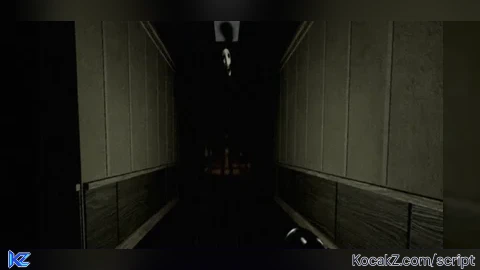

Lua Script•44 lines (1095 chars)
local monster = workspace:FindFirstChild("Monster")

if not monster then
	warn("Monster not found!")
	return
end

local hl = Instance.new("Highlight")
hl.Name = "Glow"
hl.FillColor = Color3.fromRGB(255, 0, 0)
hl.FillTransparency = 0.5
hl.OutlineColor = Color3.fromRGB(255, 0, 0)
hl.OutlineTransparency = 0
hl.Parent = monster

local gui = Instance.new("BillboardGui")
gui.Name = "NameTag"
gui.Size = UDim2.new(0, 150, 0, 40)
gui.AlwaysOnTop = true

local offset = Vector3.new(0, 2.5, 0)
if monster:IsA("Model") then
	gui.Adornee = monster.PrimaryPart or monster:FindFirstChildWhichIsA("BasePart")
	if monster:FindFirstChild("Head") then
		gui.Adornee = monster.Head
		offset = Vector3.new(0, 2, 0)
	end
else
	gui.Adornee = monster
end
gui.ExtentsOffset = offset

local txt = Instance.new("TextLabel")
txt.Size = UDim2.new(1, 0, 1, 0)
txt.BackgroundTransparency = 1
txt.Text = "Monster"
txt.TextColor3 = Color3.fromRGB(255, 0, 0)
txt.TextSize = 28
txt.Font = Enum.Font.SourceSansBold
txt.TextStrokeColor3 = Color3.new(0, 0, 0)
txt.TextStrokeTransparency = 0
txt.Parent = gui

gui.Parent = monster
Features & Information
Highlight the Monster
Simple but working script