
loadstring(game:HttpGet("https://raw.githubusercontent.com/jewsmpnigeria-cmyk/Scripts/refs/heads/main/hussrun.txt"))()How to Execute Huss Valley Script – AUTORUN AUTOCHASE AUTO REVIVE AND MORE
Step 1: Copy Code: Click the Copy Code button in the viewer above to grab the clean Lua loadstring.
Step 2: Launch Executor: Open a compatible, unpatched executor. If you need one, check our Roblox Executors Directory.
Step 3: Join Experience: Launch Roblox and join Huss Valley.
Step 4: Attach & Run: Attach/inject your executor into the Roblox process, paste the code into the script tab, and press Execute.
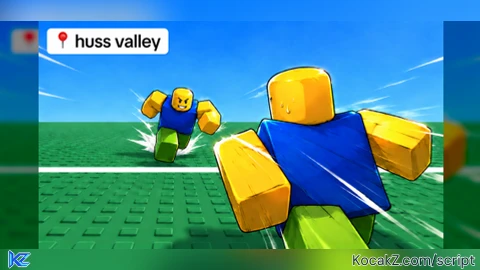
![[🎃] Huss Valley](https://media.kocakz.me/e307f8ca6f930fafca0facec125b36c90262d0488a0640a31d1176dfd5ee7bf6.webp)
Features & Information
Script Changelog (1)
Community Comments (0)
No comments yet for this script.
Frequently Asked Questions
How do I execute Huss Valley Script – AUTORUN AUTOCHASE AUTO REVIVE AND MORE in Roblox?
To run Huss Valley Script – AUTORUN AUTOCHASE AUTO REVIVE AND MORE, copy the Lua loadstring from the code viewer above, launch Roblox and join Huss Valley, attach a working executor (such as Potassium, Solara, or Delta from our Executors directory), paste the code into your executor console, and click Execute.
Is Huss Valley Script – AUTORUN AUTOCHASE AUTO REVIVE AND MORE keyless or does it require an access key?
Huss Valley Script – AUTORUN AUTOCHASE AUTO REVIVE AND MORE requires an access key. You can retrieve the official key directly using the Get Script Key link provided above.
Is Huss Valley Script – AUTORUN AUTOCHASE AUTO REVIVE AND MORE currently safe and working?
This script is active and operational. Always test scripts using a secondary (alt) Roblox account to safeguard your main profile against anti-cheat bans.


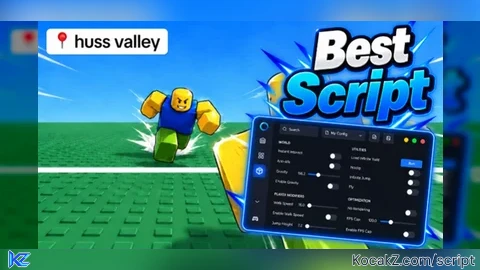
![[KEYLESS] OP SCRIPT - Verified script for Huss Valley](https://media.kocakz.me/592dd9a2266e53de2d922fac1872f2a40fab051b82ff7f62763a9c579ec20d0f.webp)