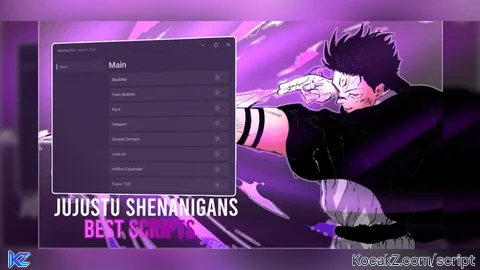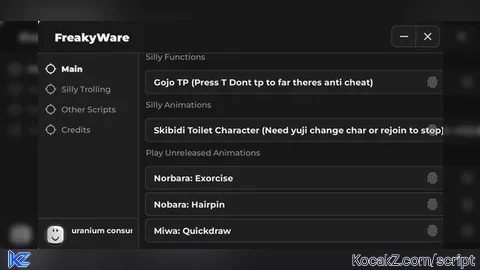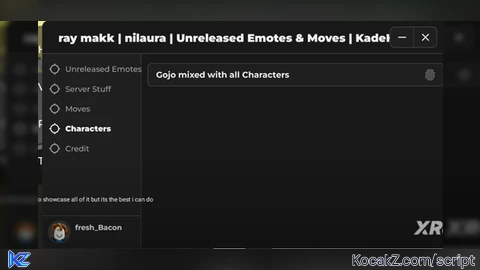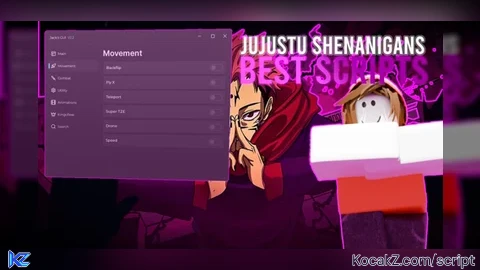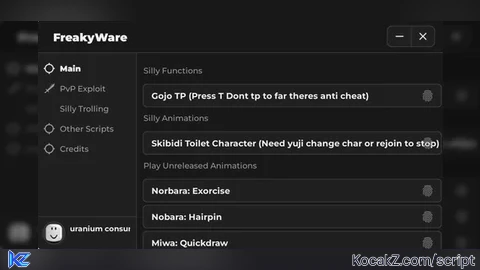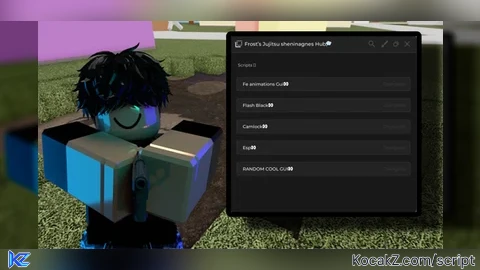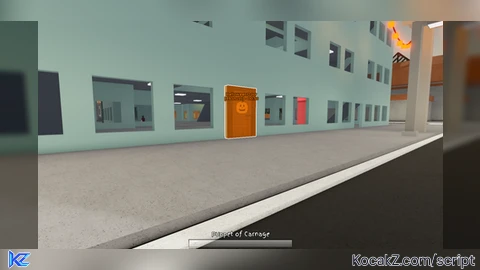
Jujutsu Shenanigans Script – JJS Halloween Door and Pumpkin Head (ESP)

--!strict
local Workspace = game:GetService("Workspace")
local Players = game:GetService("Players")
local RunService = game:GetService("RunService")

local LocalPlayer = Players.LocalPlayer

-- ====================================================================
-- CONFIGURATION
-- ====================================================================
local CONFIG = {
	SCAN_INTERVAL = 1.0,                             -- Background sweep frequency (seconds)
	MAX_DISTANCE = 600,                              -- Max studs to display distance

	DOORS = {
		FOLDER_NAME = "Effects",
		PATTERN = "HalloweenDoor",
		TIMER_SECONDS = 90,                          -- 1 minute 30 seconds countdown
		FILL_COLOR = Color3.fromRGB(255, 120, 0),    -- Orange
		EXPIRED_COLOR = Color3.fromRGB(255, 60, 60), -- Red when timer finishes
		FILL_TRANSPARENCY = 0.5,
		OUTLINE_COLOR = Color3.fromRGB(255, 255, 255),
	},

	PUMPKINS = {
		FOLDER_NAME = "Characters",
		PATTERN = "Pumpkin",
		FILL_COLOR = Color3.fromRGB(50, 255, 120),   -- Bright Emerald / Green
		FILL_TRANSPARENCY = 0.4,
		OUTLINE_COLOR = Color3.fromRGB(255, 255, 255),
	},
}

-- Registry to track active cleanups: [TargetInstance] = CleanupFunction
local activeCleanups: { [Instance]: () -> () } = {}

-- Formats seconds into MM:SS
local function formatTime(seconds: number): string
	local mins = math.floor(seconds / 60)
	local secs = math.floor(seconds % 60)
	return string.format("%02d:%02d", mins, secs)
end

-- Safely resolves a BasePart for anchoring BillboardGuis
local function getAdorneePart(target: Instance): BasePart?
	if target:IsA("BasePart") then
		return target
	elseif target:IsA("Model") then
		return target.PrimaryPart or target:FindFirstChildWhichIsA("BasePart")
	elseif target:IsA("Tool") then
		local handle = target:FindFirstChild("Handle") :: BasePart?
		return handle or target:FindFirstChildWhichIsA("BasePart")
	end
	return nil
end

-- Generic tracker generator
local function createTracker(
	target: Instance,
	fillCol: Color3,
	outlineCol: Color3,
	fillTrans: number,
	tagTitle: string,
	countdownDuration: number?
)
	if activeCleanups[target] or target:FindFirstChild("ActiveESP_Highlight") then
		return
	end

	local startTime = os.clock()

	-- 1. Create Highlight
	local highlight = Instance.new("Highlight")
	highlight.Name = "ActiveESP_Highlight"
	highlight.Adornee = target
	highlight.DepthMode = Enum.HighlightDepthMode.AlwaysOnTop
	highlight.FillColor = fillCol
	highlight.FillTransparency = fillTrans
	highlight.OutlineColor = outlineCol
	highlight.OutlineTransparency = 0
	highlight.Parent = target

	local renderConn: RBXScriptConnection? = nil

	-- 2. Create Distance & Timer Billboard
	local adorneePart = getAdorneePart(target)
	if adorneePart then
		local billboard = Instance.new("BillboardGui")
		billboard.Name = "ActiveESP_Billboard"
		billboard.Adornee = adorneePart
		billboard.Size = UDim2.fromOffset(180, 50)
		billboard.StudsOffset = Vector3.new(0, 3.5, 0)
		billboard.AlwaysOnTop = true
		billboard.MaxDistance = CONFIG.MAX_DISTANCE

		local label = Instance.new("TextLabel")
		label.Size = UDim2.fromScale(1, 1)
		label.BackgroundTransparency = 1
		label.TextColor3 = fillCol
		label.TextStrokeTransparency = 0
		label.TextStrokeColor3 = Color3.new(0, 0, 0)
		label.Font = Enum.Font.GothamBold
		label.TextSize = 13
		label.Text = tagTitle
		label.Parent = billboard

		billboard.Parent = target

		-- Live Render Loop
		renderConn = RunService.RenderStepped:Connect(function()
			local character = LocalPlayer.Character
			local rootPart = if character then character:FindFirstChild("HumanoidRootPart") :: BasePart? else nil

			if rootPart and adorneePart and adorneePart.Parent then
				local distance = math.floor((rootPart.Position - adorneePart.Position).Magnitude)

				-- Handle Timer if present
				if countdownDuration then
					local elapsed = os.clock() - startTime
					local remaining = math.max(0, countdownDuration - elapsed)

					if remaining > 0 then
						label.TextColor3 = fillCol
						highlight.FillColor = fillCol
						label.Text = string.format("%s\n[%d studs] • %s", tagTitle, distance, formatTime(remaining))
					else
						-- Timer expired state
						label.TextColor3 = CONFIG.DOORS.EXPIRED_COLOR
						highlight.FillColor = CONFIG.DOORS.EXPIRED_COLOR
						label.Text = string.format("%s\n[%d studs] • [EXPIRED]", tagTitle, distance)
					end
				else
					-- No timer (Pumpkins)
					label.Text = string.format("%s\n[%d studs]", tagTitle, distance)
				end
			end
		end)
	end

	-- Cleanup logic
	local function cleanup()
		if renderConn then
			renderConn:Disconnect()
			renderConn = nil
		end
		activeCleanups[target] = nil
	end

	activeCleanups[target] = cleanup
	target.Destroying:Once(cleanup)
end

-- ====================================================================
-- SCANNING LOGIC
-- ====================================================================

-- Check Door (with 90s countdown)
local function checkDoor(instance: Instance)
	if string.find(instance.Name, CONFIG.DOORS.PATTERN) then
		createTracker(
			instance,
			CONFIG.DOORS.FILL_COLOR,
			CONFIG.DOORS.OUTLINE_COLOR,
			CONFIG.DOORS.FILL_TRANSPARENCY,
			instance.Name,
			CONFIG.DOORS.TIMER_SECONDS -- 1 minute 30 seconds
		)
	end
end

-- Check Pumpkin inside a Character model
local function checkPumpkin(item: Instance, characterName: string)
	if string.find(item.Name, CONFIG.PUMPKINS.PATTERN) then
		local tag = string.format("%s's Pumpkin", characterName)
		createTracker(
			item,
			CONFIG.PUMPKINS.FILL_COLOR,
			CONFIG.PUMPKINS.OUTLINE_COLOR,
			CONFIG.PUMPKINS.FILL_TRANSPARENCY,
			tag,
			nil -- No timer for pumpkins
		)
	end
end

-- Observes character for pumpkins
local function hookCharacter(charModel: Instance)
	if not charModel:IsA("Model") then return end

	for _, child in charModel:GetDescendants() do
		checkPumpkin(child, charModel.Name)
	end

	charModel.DescendantAdded:Connect(function(descendant)
		checkPumpkin(descendant, charModel.Name)
	end)
end

-- ====================================================================
-- STANDBY BACKGROUND DAEMON
-- ====================================================================
task.spawn(function()
	local lastEffectsFolder: Instance? = nil
	local lastCharsFolder: Instance? = nil

	local effectsConn: RBXScriptConnection? = nil
	local charsConn: RBXScriptConnection? = nil

	while true do
		-- 1. MONITOR EFFECTS (Doors with Countdown)
		local effects = Workspace:FindFirstChild(CONFIG.DOORS.FOLDER_NAME)
		if effects ~= lastEffectsFolder then
			if effectsConn then effectsConn:Disconnect() end
			lastEffectsFolder = effects
			if effects then
				effectsConn = effects.ChildAdded:Connect(checkDoor)
			end
		end

		if effects then
			for _, child in effects:GetChildren() do
				checkDoor(child)
			end
		end

		-- 2. MONITOR CHARACTERS (Pumpkins)
		local characters = Workspace:FindFirstChild(CONFIG.PUMPKINS.FOLDER_NAME)
		if characters ~= lastCharsFolder then
			if charsConn then charsConn:Disconnect() end
			lastCharsFolder = characters
			if characters then
				charsConn = characters.ChildAdded:Connect(hookCharacter)
			end
		end

		if characters then
			for _, charModel in characters:GetChildren() do
				hookCharacter(charModel)
			end
		end

		-- 3. SANITATION (Purge dead / unparented trackers)
		for target, cleanup in activeCleanups do
			if not target.Parent then
				cleanup()
			end
		end

		task.wait(CONFIG.SCAN_INTERVAL)
	end
end)
How to Execute Jujutsu Shenanigans Script – JJS Halloween Door and Pumpkin Head (ESP)
Step 1: Copy Code: Click the Copy Code button in the viewer above to grab the clean Lua loadstring.
Step 2: Launch Executor: Open a compatible, unpatched executor. If you need one, check our Roblox Executors Directory.
Step 3: Join Experience: Launch Roblox and join Jujutsu Shenanigans.
Step 4: Attach & Run: Attach/inject your executor into the Roblox process, paste the code into the script tab, and press Execute.
![[HIRED KILLER] Jujutsu Shenanigans](https://media.kocakz.me/c809d65b0b6ecab7b2b9a7dcdc18c20b01139508e775e44b9caf4029b74d04df.webp)
Features & Information
Script Changelog (1)
Community Comments (0)
No comments yet for this script.
Frequently Asked Questions
How do I execute Jujutsu Shenanigans Script – JJS Halloween Door and Pumpkin Head (ESP) in Roblox?
To run Jujutsu Shenanigans Script – JJS Halloween Door and Pumpkin Head (ESP), copy the Lua loadstring from the code viewer above, launch Roblox and join Jujutsu Shenanigans, attach a working executor (such as Potassium, Solara, or Delta from our Executors directory), paste the code into your executor console, and click Execute.
Is Jujutsu Shenanigans Script – JJS Halloween Door and Pumpkin Head (ESP) keyless or does it require an access key?
Jujutsu Shenanigans Script – JJS Halloween Door and Pumpkin Head (ESP) requires an access key. You can retrieve the official key directly using the Get Script Key link provided above.
Is Jujutsu Shenanigans Script – JJS Halloween Door and Pumpkin Head (ESP) currently safe and working?
This script is active and operational. Always test scripts using a secondary (alt) Roblox account to safeguard your main profile against anti-cheat bans.