
Key Required
local mouse = game.Players.LocalPlayer:GetMouse()
local player = game.Players.LocalPlayer
local previousPart

mouse.Button1Down:Connect(function()
    if previousPart then
        previousPart:Destroy()
    end

    local instpart = Instance.new("Part")
    instpart.Parent = game.Workspace
    instpart.Size = Vector3.new(4, 1, 6.2)
    instpart.Anchored = true

    instpart.CFrame = CFrame.new(mouse.Hit.Position - Vector3.new(0, 3, 0))

    previousPart = instpart
end)
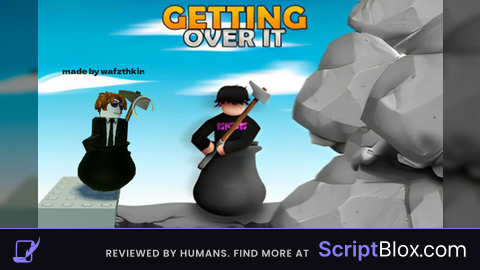
--made by wafzthkin :)
works
@pianino2 Thanks for The FeedBack!
@pianino2 i got the Idea from your page If you want to You could add it to your Script
If you don't know how to use it, Just click anywhere and a part will show up on your hammer