

Keyless
---- Gui By Me Nothing Else
local debug = false

local screenGui = Instance.new("ScreenGui")
screenGui.Name = "xvideos"
if debug then screenGui.ResetOnSpawn = true
else screenGui.ResetOnSpawn = false end
screenGui.Parent = game.Players.LocalPlayer:WaitForChild("PlayerGui")

local button = Instance.new("TextButton")
button.Name = "Button"
button.Size = UDim2.new(0, 300, 0, 60)
button.Position = UDim2.new(0.5, -150, 0, 10)
button.BackgroundColor3 = Color3.fromRGB(30, 30, 30)
button.BorderColor3 = Color3.fromRGB(200, 0, 0)
button.BorderSizePixel = 3
button.Text = "💥 NUKE 💥"
button.TextColor3 = Color3.fromRGB(255, 0, 0)
button.TextScaled = true
button.Font = Enum.Font.SourceSansBold
button.Parent = screenGui

button.MouseButton1Click:Connect(function() -- Not My Code
    local lplr = game:GetService("Players").LocalPlayer
    local rstorage = game:GetService("ReplicatedStorage")
    local area = workspace.Areas[lplr.CurrentArea.Value]
    local launcher = lplr.Character:FindFirstChild("Launcher") or lplr.Backpack.Launcher
    for i,v in pairs(area:GetDescendants()) do
        if v:IsA("BasePart") then
            rstorage.Remotes.explodeRocket:FireServer(tick(), launcher.Stats, v.Position, launcher.Assets.Rocket.Boom)
        end
    end
end)
return button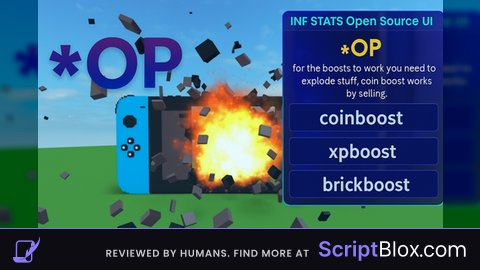
OP
this script is sooooo OP and crazy