

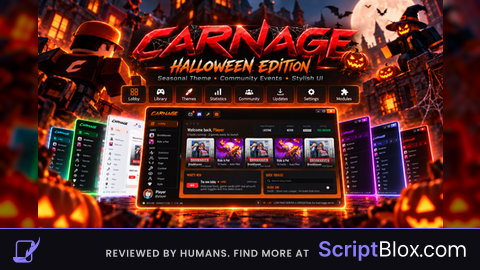
Key RequiredUniversal

local Players = game:GetService("Players")
local player = Players.LocalPlayer
local gui = Instance.new("ScreenGui", player.PlayerGui)
gui.ResetOnSpawn = true
local Button = Instance.new("TextButton", gui)
Button.Position = UDim2.new(0.158, 0, 0.051, 0)
Button.Size = UDim2.new(0, 80, 0, 50)

local speed = false

Button.Text = "Original"

Button.MouseButton1Click:Connect(function()
	if not speed then
		speed = true
		Button.Text = "Custom"
		player.Character.Humanoid.WalkSpeed = 100
		player.Character.Humanoid.JumpPower = 200
	else
		speed = false
		Button.Text = "Original"
		player.Character.Humanoid.WalkSpeed = 16
		player.Character.Humanoid.JumpPower = 50
	end
end)

player.CharacterAdded:Connect(function()
	Button.Text = "Original"
	speed = false
end)No comments yet for this script.
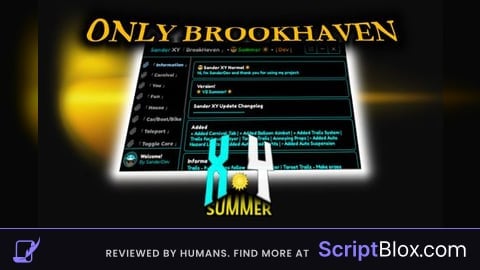

![Item Spawner - Bypass Gamepass [OPEN-SOURCE]](https://scriptblox.com/images/sb/rbx-2736e5de37c3d8bc17e5e9bd07d73e38-cc0a9732451c.png)