
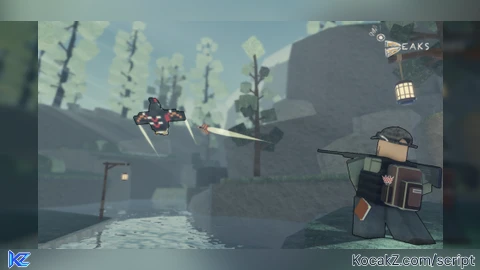

Key RequiredUniversal
local screenGui = Instance.new("ScreenGui")
screenGui.Parent = game.Players.LocalPlayer:WaitForChild("PlayerGui")

local button = Instance.new("TextButton")
button.Size = UDim2.new(0, 200, 0, 50)
button.Position = UDim2.new(0, 0, 0, 0)
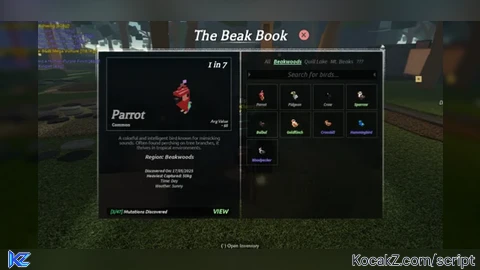
button.Text = "Press when entering a new area to make the new birds bigger"
button.BackgroundColor3 = Color3.fromRGB(0, 255, 0)
button.BorderColor3 = Color3.fromRGB(0, 0, 0)
button.TextColor3 = Color3.fromRGB(0, 255, 0)
button.TextStrokeTransparency = 0.5
button.TextStrokeColor3 = Color3.fromRGB(0, 0, 0)
button.TextScaled = true
button.Parent = screenGui

local function scaleModels()
    local scaleFactor = 5

for _, model in pairs(game.Workspace:GetDescendants()) do
if model:IsA("Model") and model.Name == "Normal" then
local primaryPart = model.PrimaryPart or model:FindFirstChildWhichIsA("BasePart")
if primaryPart then
model:ScaleTo(scaleFactor)
 end
 end
end

    print("Scaled all models named 'Normal'.")
end

button.MouseButton1Click:Connect(scaleModels)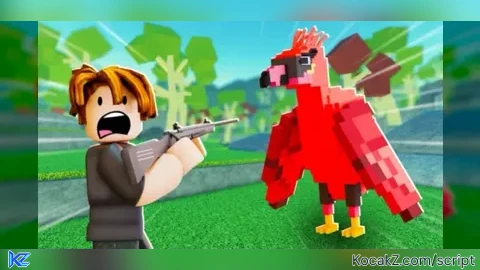

like and comment please
super good i think like 8/10
what is the best bird to shoot
W
Very W
@CEO_ check the rareitys
U CAN CHANGE THE SIZE BY THE NUMBER AT THE TOP
whoever disliked this script yo moms a ho e yo dads a ho e you were abandoned for a reason you bumahh bietch why disliked a small creators script that works maybe check your executor you bumahh ho e
i made an optimized version that only needs to be executed once and has little to no lag every time it repeats since it only scans around 3% of what your script scans.
sorry that its goofed up and only on 1 line, i guess dm me on discord and i can give a proper script. I just made my account so i cant publish it yet
yo it dont execute ion wanna be rude but can u help me ?
@beratdurak13322 use a good executor xeno works
W script bro pls make more
bro one doubt how to change the sizes its already good size but im lazy so
@dripgoku change the number at the top
idk man i cant make more scripts im just like really busy by school and stuff