loadstring(game:HttpGet("https://api.irisapp.ca/Scripts/SprayPaintAutoDraw.lua", true))()
Features & Information
How to use script:
-1 : In your executor workspace make a folder named "PNGLoader" .
-2 : find a PNG photo and put the photo in the folder (PNG PHOTOS ONLY) .
-3 : Execute the script
-4 : Remember the bigger photo you use the longer the photo will print You can press T And R for Rotate and Tilt, however it still needs to be flush with a wall you can't make it float !!


is not it patched? last time i checked v3rmillion was patched, and the OP were working on a fix
Patched sadly
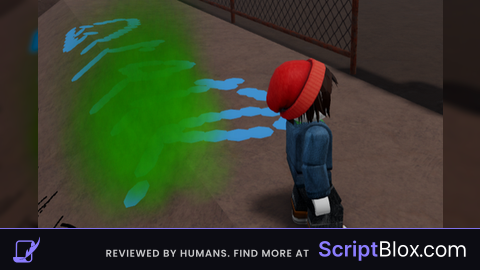
I'm on synapse, and I'm doing every step correctly, but when I click when I want the image, the blue F just stays there on the wall.
you did not even say we needed synapse x and we do
Patched
Everytime I try the script the picture is an F
i still dont understand how to do this is there a tut or something
PNG loader?
Patche
I will miss you lovely script